
ACCU-DART for Sage 300
Scanning & Printing in Sage 300
ACCU-DART supports Android, iOS, and RF scanners, allowing deployment in a wide range of warehouse environments. Printing is fully integrated with Sage 300 through Crystal Reports and compatible with thermal, document, and BarTender-driven label printers.
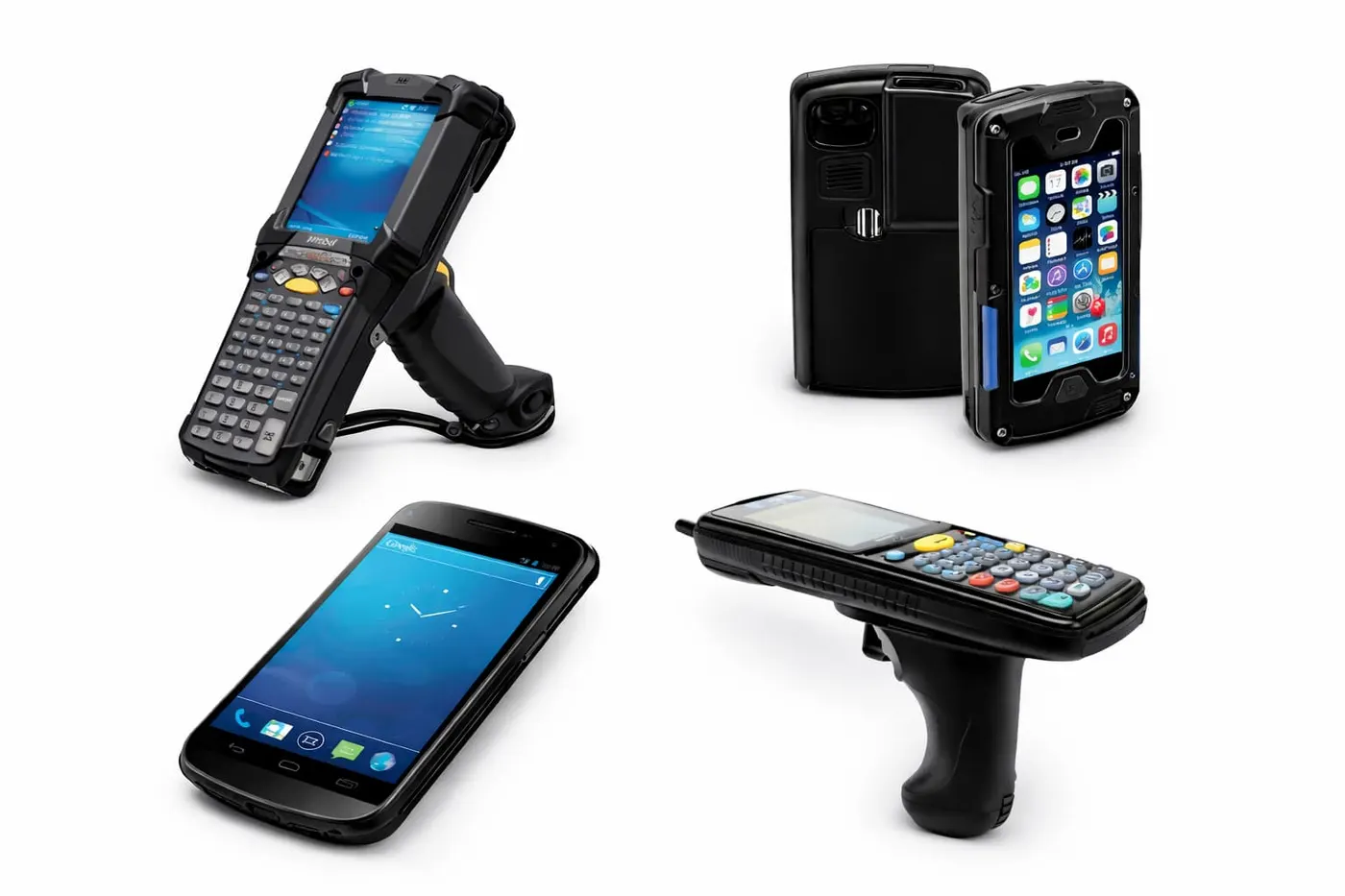

Supported Scanners
ACCU-DART supports a wide range of scanners. From rugged industrial style scanners to your standard mobile device.
Android Devices
ACCU-DART supports Android-based barcode scanning hardware, including rugged industrial handhelds with integrated imagers and consumer Android devices paired with Bluetooth scanners. This allows organizations to choose hardware options suited to warehouse durability, mobility, and cost requirements.
iPhone / iPad (iOS)
ACCU-DART is compatible with iOS devices such as iPhone and iPad. These can be used with scanning sleds that include built-in barcode imagers or with external Bluetooth scanners. Rugged protective cases may be used when additional durability is necessary.
Radio Frequency Scanners
ACCU-DART supports Worth Data RF barcode scanners for environments that prefer long-range radio-frequency scanning rather than Wi-Fi. These devices communicate over a 900 MHz RF connection through a base station and can operate across large or complex warehouse areas.
Desktop Scanning
ACCU-DART can be used on a desktop workstation with a standard USB wedge-style barcode scanner. This configuration is suitable for receiving desks, administrative tasks, or training environments.
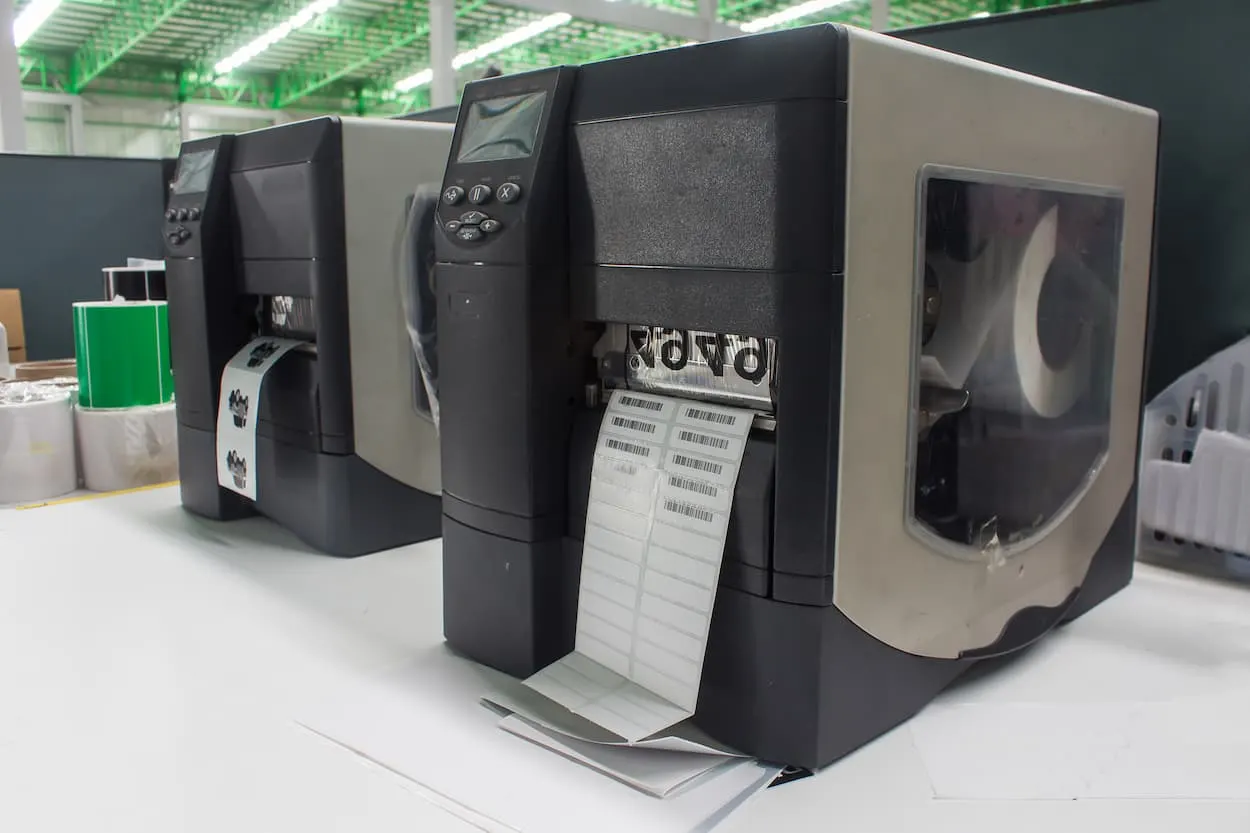
Printer Compatibility
ACCU-DART uses Sage 300’s native Crystal Reports printing framework, allowing the system to print to any printer supported by Windows and Sage 300.
- Thermal label printers
- Industrial label printers
- Laser printers
- Network printers
- Shipping label printers
- PDF and virtual printers
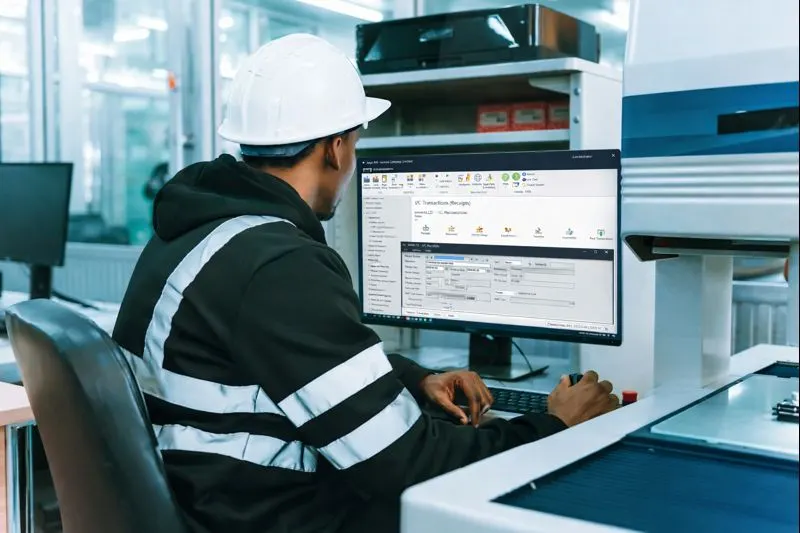
Document Printing
Automatically print documents and labels when a transaction is posted. Supports routing documents to different printers based on warehouse, terminal, or transaction type.
- Packing slips
- Receiving documents
- Transfer forms
- Assembly reports
- Item labels
- Lot and serial labels
- Bin labels
- Shipping documents
- Bills of lading

Label Printing Compatibility
ACCU-DART can generate labels through Crystal Reports or integrate with external label-printing software such as BarTender.
- Works with any label printer supported by Sage 300 and Windows
- Supports thermal, industrial, and shipping label printers
- Compatible with Crystal Reports label formats
- Compatible with external tools like BarTender
- Labels can be generated automatically when transactions are posted
Why ACCU-DART
Built to fit how your warehouse already works
Affordable
Pay only for the modules you need
Each feature is priced individually, making it easy to purchase the exact functionality you need.
Simple deployment
Start with one module and expand over time
Introduce ACCU-DART one module at a time. Adopt, adjust and expand without disrupting warehouse operations.
Fully integrated
Works directly with your existing ERP data
ACCU-DART runs inside your existing Sage or AccountMate environment. No syncing, no duplication, no extra system to manage.
Case studies
Trusted by over 500 warehouse operators
We’ve reduced packing and shipping time by at least 40%. Order accuracy has increased by a minimum of 50%.
ACCU-DART has proven itself to be an extremely cost-effective way of generating huge efficiencies.
The number one improvement has been in shipping accuracy. Using the ACCU-DART shipping module has reduced shipping errors to almost zero.
Industries
Inventory management for every industry



Get started today
See how ACCU-DART can streamline your warehouse. We’ll walk through it with your own Sage 300 or AccountMate workflow.