
ACCU-DART for Sage 300
Accurate Lot Tracking for Sage 300
Track Lots across their entire lifecycle with ACCU-DART's real-time barcode scanning solution for Sage 300. Maintain quality control, ensure compliance, and gain visibility into every lot—all without manual reconciliation or data entry.

How ACCU-DART works
Three steps for accurate inventory in Sage 300
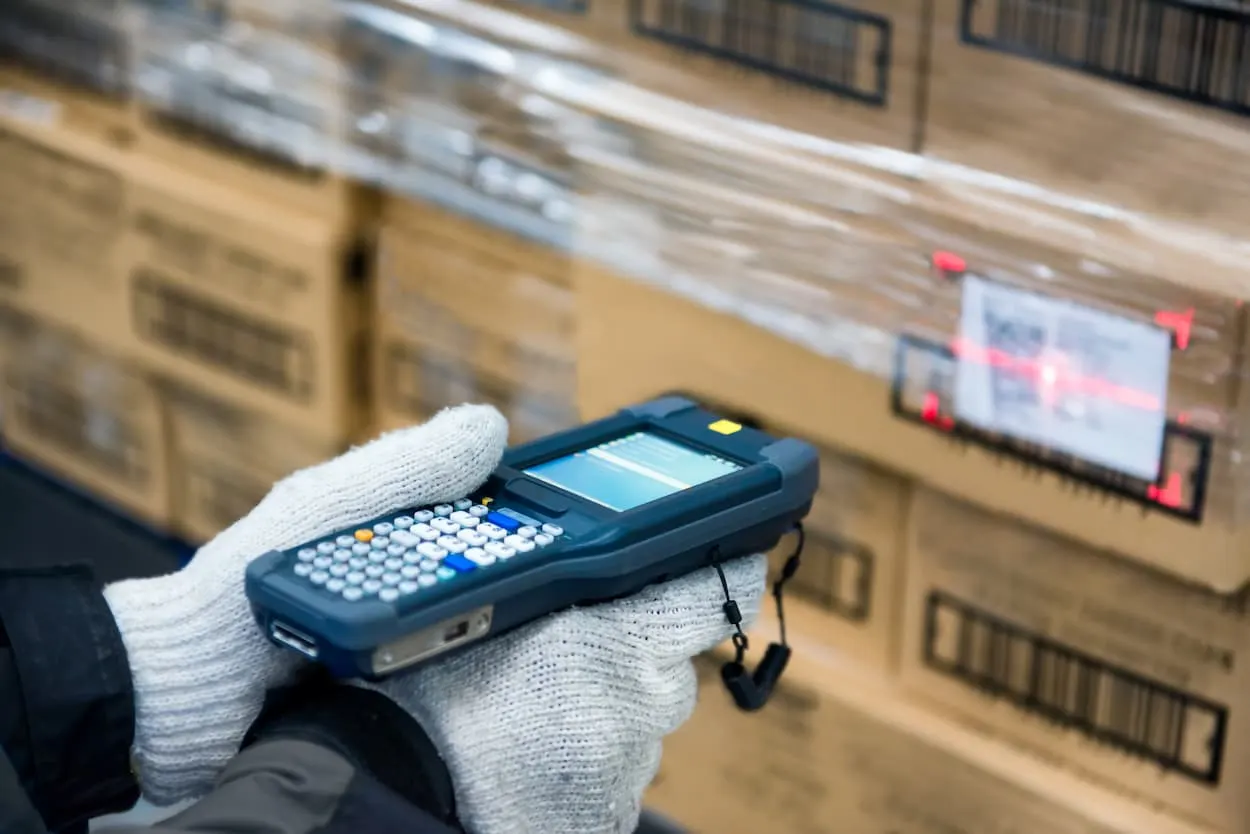
Scan and Capture Lot Numbers
When receiving, counting, transferring, or shipping items, simply scan or enter the lot number. ACCU-DART links each transaction directly to Sage 300, keeping records accurate and consistent.
Track Movement Across Locations
As goods move between bins, warehouses, or production stages, their lot numbers move with them, maintaining a traceable chain from receipt to shipment
Review and Audit in Sage 300
All scanned data flows instantly to Sage 300, where users can review, reconcile, and report on lot activity using Sage's built-in reporting and inquiry tools.
Operational Efficiency
- Scan lots instead of typing—faster and error-free.
- Instantly update Sage 300 as lots are received, transferred, or shipped.
- Eliminate manual reconciliation between warehouse and accounting.

Quality Control
- Identify and isolate specific lots when quality issues arise.
- Maintain accurate production and expiry records directly in Sage 300.
- Prevent expired or defective goods from leaving the warehouse.
Regulatory Compliance
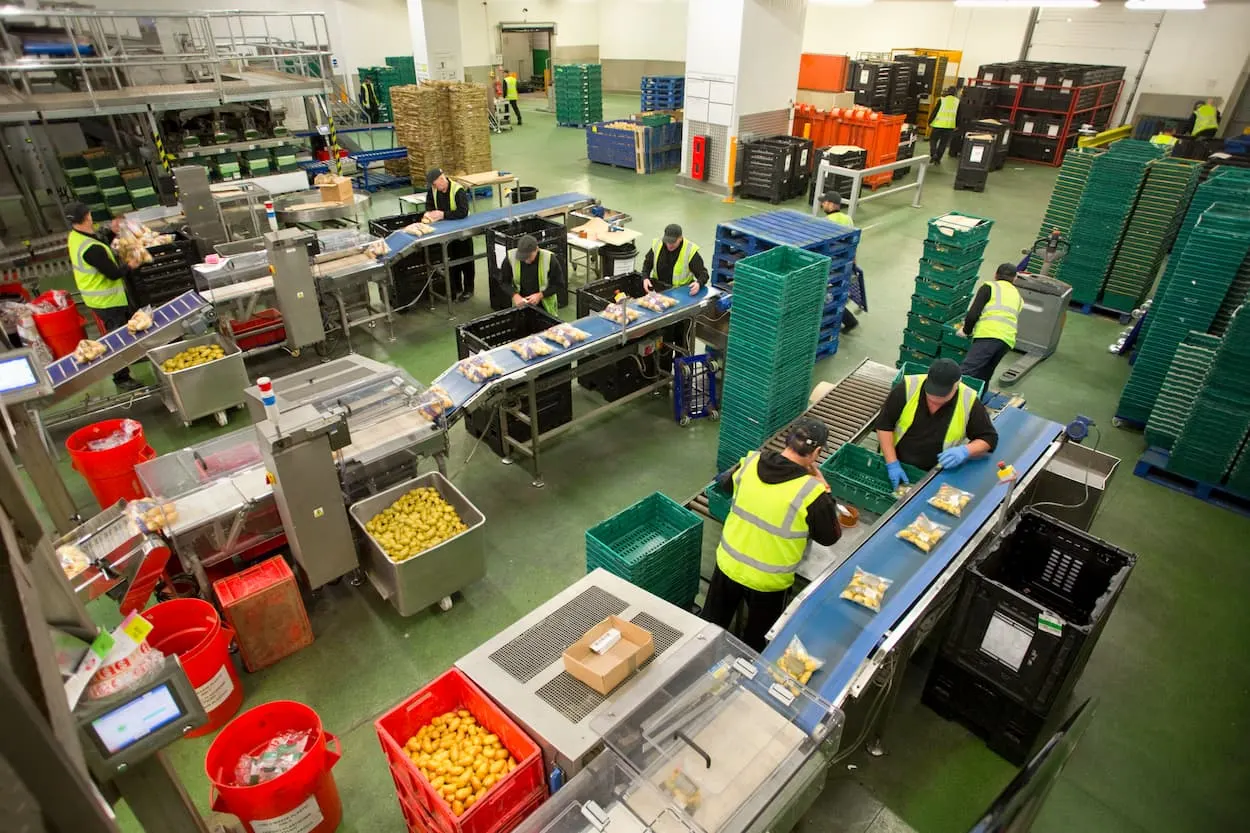
- Meet industry standards for food, pharma, and manufacturing traceability.
- Simplify audits through accurate lot data captured in real time.
- Support recall readiness without extra paperwork or spreadsheets.

Visibility & Accountability
- Know exactly where each lot originated, where it’s stored, and who handled it.
- Ensure accurate user tracking with timestamps for every transaction.
- Strengthen lot-level accuracy across bins and warehouse locations.
Related features
Scan, Validate and Post Lots Directly into Sage 300
Explore features that can be integrated into your Sage 300.
Barcode Scanning
Accurately assign or capture lot IDs directly from handheld scanners or mobile devices
Learn moreReal-Time Sage 300 Integration
All lot activity posts instantly to Sage 300 — no rekeying or batch uploads.
Expiry-Date Tracking
Monitor best-before or expiry dates to prevent waste and ensure compliance.
Bin-Level Traceability
Track lots down to specific bins for maximum warehouse visibility.
Learn moreDirected Picking by Expiry Date
Ensure first-expiring lots are picked first. Pick and pack the correct lot automatically, helping maintain product freshness.
Learn moreCustomizable Workflows
Adapt prompts, fields, and validation to match your traceability process.
Why ACCU-DART
Built to fit how your warehouse already works
Affordable
Pay only for the modules you need
Each feature is priced individually, making it easy to purchase the exact functionality you need.
Simple deployment
Start with one module and expand over time
Introduce ACCU-DART one module at a time. Adopt, adjust and expand without disrupting warehouse operations.
Fully integrated
Works directly with your existing ERP data
ACCU-DART runs inside your existing Sage or AccountMate environment. No syncing, no duplication, no extra system to manage.
Case studies
Trusted by over 500 warehouse operators
We’ve reduced packing and shipping time by at least 40%. Order accuracy has increased by a minimum of 50%.
ACCU-DART has proven itself to be an extremely cost-effective way of generating huge efficiencies.
The number one improvement has been in shipping accuracy. Using the ACCU-DART shipping module has reduced shipping errors to almost zero.
Industries
Inventory management for every industry



Get started today
See how ACCU-DART can streamline your warehouse. We’ll walk through it with your own Sage 300 or AccountMate workflow.