
ACCU-DART for Sage 300
Real-Time Barcode Scanning for Sage 300
Improve inventory accuracy with ACCU-DART's real-time barcode scanning to Sage 300. Track inventory instantly and eliminate manual data entry across receiving, picking, and counting.

How ACCU-DART works
Four steps for accurate inventory in Sage 300
Connect to Sage 300
Integrate ACCU-DART directly into Sage 300 as a module. All item, quantity, and location data flows from your scanner to Sage 300 in real time.
Scan to Receive, Pick, or Count
Use barcode scanners or mobile devices to capture item numbers, bins, and lots as you work. Validated in real-time against Sage 300 data
Update Inventory Instantly
Automatically update Sage 300 inventory the moment you post with no rekeying, uploads, or batch syncing.
Track Every Movement
Log every transaction in Sage 300. Get a complete audit trail of what was picked, shipped, adjusted and by whom

Scan & Validate Sales Orders
Easily scan and confirm items as you pick and pack sales orders. Each product and quantity is validated in Sage 300 ensuring every shipment is accurate. Once shipped, inventory and order status update instantly in your system.
- Accurate order fulfillment by validating items as you scan and pick
- Ship orders faster with streamlined pick, pack, and ship workflows
- Automatically syncs shipped quantities and order status for precise inventory visibility.
Receive Purchase Orders Faster
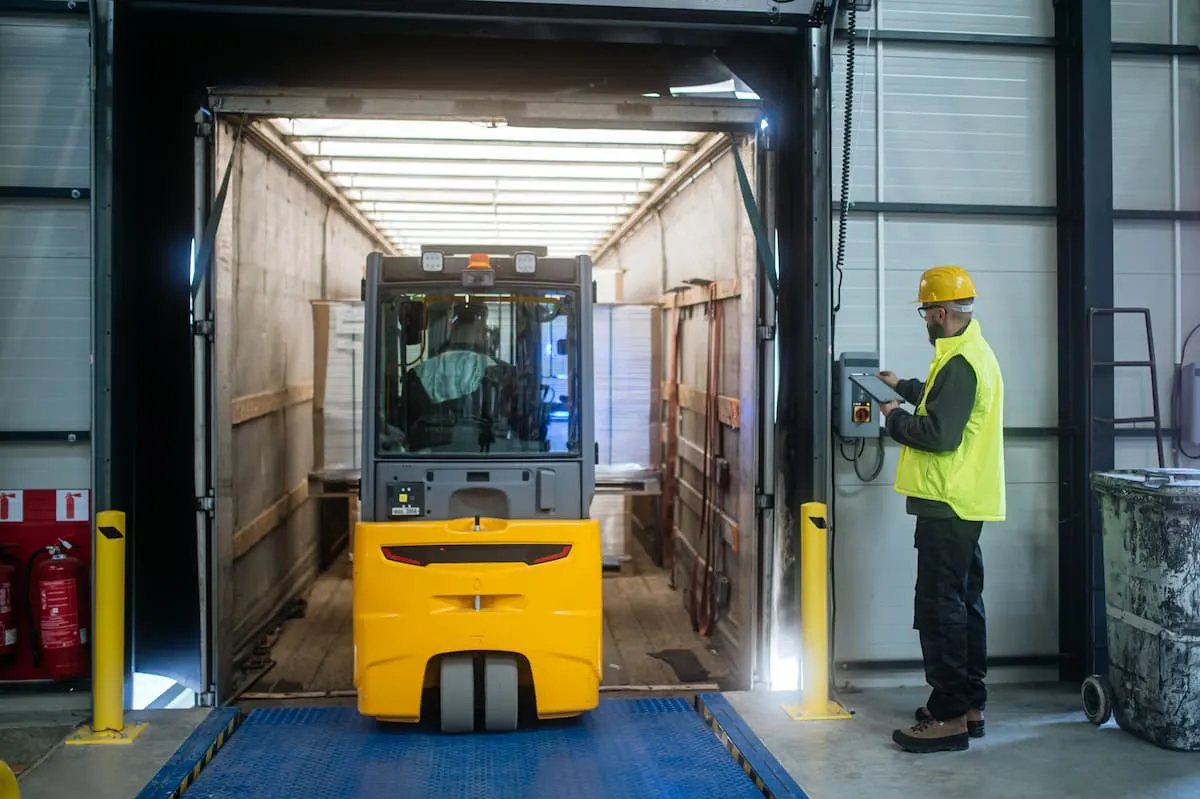
Quickly receive incoming shipments by scanning items against PO Receipts in Sage 300. Each scan confirms the correct product, quantity, and lot or serial number, instantly updating your inventory and ensuring what arrives matches what was ordered.
- Accurately receive goods by verifying incoming items to prevent quantity or item mismatches.
- Save time by skipping manual data entry with scan-to-receive workflows.
- Instant Inventory Updates – Stock levels, lots, and locations update automatically upon receipt.

Accurate Physical Counts
Easily perform full physical counts or quick cycle counts by scanning items and locations. Multiple users can count simultaneously, and every scan updates totals instantly—eliminating paper lists and manual reconciliation.
- Accurate Counts – Barcode validation ensures every item is counted correctly.
- Faster Audits – Teams can complete full or partial counts in a fraction of the time.
- Real-Time Visibility – Inventory levels update immediately, reducing discrepancies and stockouts.

Easily Transfer Between Warehouses
Move inventory between bins, locations, or warehouses by simply scanning items in and out. Each transfer is validated in real time, ensuring accurate quantities and full traceability of every movement.
- Accurate Tracking – Every scan records exact item, quantity, and location details.
- Simplified Moves – Transfer stock quickly without paperwork or manual entry.
- Full Visibility – Instantly see where items are across all warehouses and bins
Related features
More ways to streamline warehouse operations
Explore features that can be integrated into your Sage 300 ERP.
Physical Count
Generates the physical count worksheet in Sage 300 and allows users to scan items and enter quantities. Saves count data back to Sage in real time to streamline the inventory process.
Learn moreBin Tracking
Track inventory at the bin level by scanning items as they are received, moved, and picked. Maintains accurate bin-level quantities in real time through integration with Orchid Bin Tracking.
Learn moreLot Tracking
Capture and track lot numbers as items are received, moved, counted, and shipped. Maintains real-time lot traceability and audit history directly in Sage 300.
Learn moreDirected Picking
Guides warehouse staff through the picking process using scan-based, step-by-step instructions. Ensures the correct items, bins, and lots are picked while reducing errors and travel time.
Learn moreSerial Number Tracking
Capture and track serial numbers as items are received, moved, and shipped. Maintains a complete, item-level history and audit trail directly in Sage 300.
Learn moreAssemblies
Scan and validate components when building or disassembling assemblies in Sage 300. Posts finished goods and component consumption in real time with full bin, lot, and serial tracking.
Learn moreCartons
Pack items into cartons and pallets by scanning and assigning contents during picking. Generates carton and pallet labels and records packing details in Sage 300 in real time.
Learn moreHardware
Supports Android, iOS, RF, and desktop barcode scanners to fit different warehouse environments. Integrates with Sage 300 for printing using thermal, document, and label printers.
Learn moreWhy ACCU-DART
Built to fit how your warehouse already works
Affordable
Pay only for the modules you need
Each feature is priced individually, making it easy to purchase the exact functionality you need.
Simple deployment
Start with one module and expand over time
Introduce ACCU-DART one module at a time. Adopt, adjust and expand without disrupting warehouse operations.
Fully integrated
Works directly with your existing ERP data
ACCU-DART runs inside your existing Sage or AccountMate environment. No syncing, no duplication, no extra system to manage.
Case studies
Trusted by over 500 warehouse operators
We’ve reduced packing and shipping time by at least 40%. Order accuracy has increased by a minimum of 50%.
ACCU-DART has proven itself to be an extremely cost-effective way of generating huge efficiencies.
The number one improvement has been in shipping accuracy. Using the ACCU-DART shipping module has reduced shipping errors to almost zero.
Industries
Inventory management for every industry



Get started today
See how ACCU-DART can streamline your warehouse. We’ll walk through it with your own Sage 300 or AccountMate workflow.